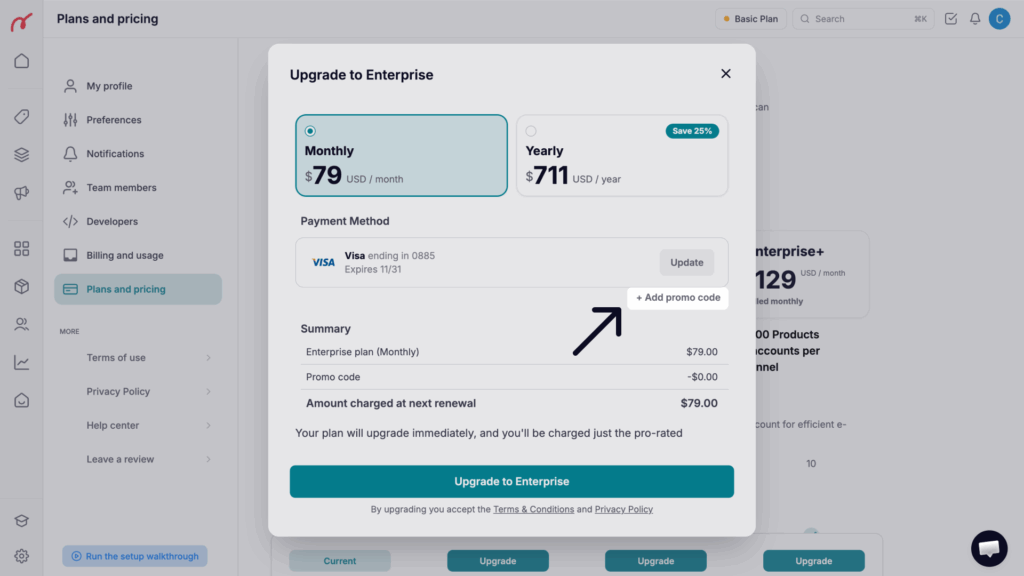
Select the plan you wish to activate or the plan you’d like to upgrade to
Click on “+ Add promo code” and paste the code in the field
Click the Apply button
The discount will be applied, and activated from the following monthly payment.
Please note: Currently, coupons can only be redeemed for subscriptions paid by credit card directly through Nembol. Coupons cannot be applied to PayPal payments or to subscriptions managed through Shopify or Wix.
Was this article helpful?Thanks for your feedback!